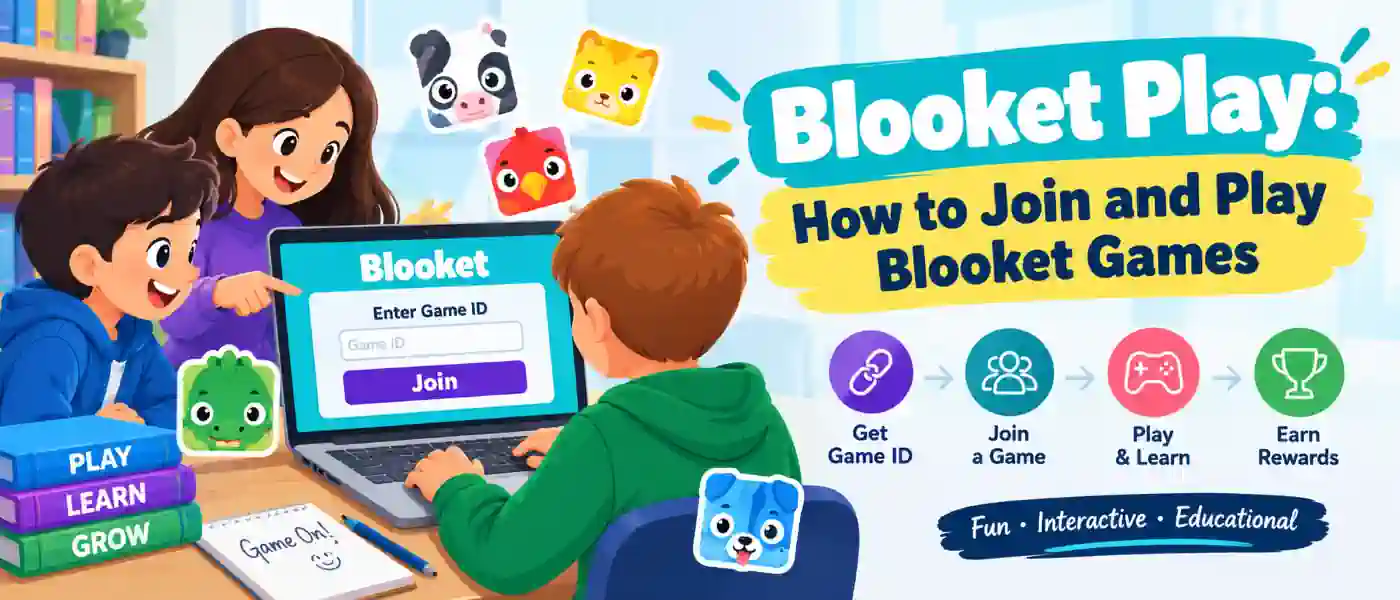
If your teacher just posted a code on the board along with a “go to Blooket” instruction, you don’t actually need an account, a tutorial, or anything else to get going. Blooket Play is intended to take you from a blank screen to a live game in less than a minute, and when you know the basics, the rest of the platform is pretty straightforward to discover on your own.
This Blooket Guide will take you through all the ins and outs of Blooket Play such as how to join a live game, select a mode, what tokens and Blooks really do, and a couple of tips to help make the whole process even easier.
What Is Blooket Play?
Blooket is a tool used for reviewing in the classroom that converts quiz questions into game modes. A teacher creates or selects a set of questions and then hosts it as a live game for students to join with a short code. Rather than just clicking through a flat multiple choice quiz, you’re playing something that looks more like a casual video game, with the quiz questions embedded in the action.
That’s really what Blooket Play is all about: The questions drill what you know, but the game wrapped around them is what gets people actually paying attention.
How to Join a Blooket Game
Joining With a Game Code
Every live Blooket game begins the same way. The game host (usually a teacher) initiates a game from their dashboard and is provided a unique code, which is a short string of numbers. That code is shared with the class – written on a board, projected on a screen, or sent via a communication app for class.
Just go to the join page, enter the code, choose a nickname and you are off into the lobby. When the host initiates the round, the game mode will be loaded automatically and you are off.
Guest Play vs. Creating an Account
For joining, you have two choices:
- Play as a guest. No account needed, no email, nothing to remember. You type the code, pick a name, and jump straight in. This is the fastest route if you just need to play a single session.
- Log into a student account. This takes a bit longer to set up initially, but it means your tokens, unlocked Blooks, and overall progress carry over from one game to the next instead of disappearing the moment the session ends.
guest mode is adequate for the hype casual. If you play regularly throughout the semester, it will be slightly worth your time to create an account — since guest sessions do not save anything once you close the tab.
What Happens After You Join
Everyone falls into the selected game mode at the same time once the host starts the round. The underlying content, the actual quiz questions, is the same for every player. The difference is in how you respond to those questions.
Some modes give you points for correct answers which move you up a leaderboard. In some modes, you get in-game currency that you can spend on upgrades, defenses, or virtual items. The tempo varies as well: some modes are fast and require quick reactions, while in others you can take your time and think a few steps ahead.
This variety is by design. Going over the same material in five different formats over a semester feels a lot less repetitive than doing the same 20 questions the same way every time.
Popular Blooket Game Modes
Modes Blooket has introduced dozens of modes as time goes by, but some return frequently in classrooms.
Tower Defense
If you have the right answers, you will earn resources that you then use to build and upgrade defense towers to fight off waves of enemies. It rewards precision and a little strategic thinking about where to drop upgrades.
Battle Royale
A head-to-head elimination format where you’re matched against classmates. Answering correctly keeps you in the running, while wrong answers or slow responses can knock you out early. This is one of the more competitive, fast-paced modes.
Gold Quest
You earn gold by answering questions right, only there’s a risk-reward twist: you can bank your gold, or wager it for a shot at more. It layers decision-making on top of the quiz itself.
Cafe
A slower, management-style mode where correct answers help you build and run a virtual cafe. It’s a good fit for students who find the faster action modes distracting rather than motivating.
Other Modes Worth Trying
Beyond these four, Blooket regularly adds new formats, from racing games to factory-building sims. Teachers often rotate between a few favorites, so don’t be surprised if a new mode shows up mid-semester.
Playing Blooket Solo
Live games aren’t the only way to use Blooket Play. Solo mode lets you practice a question set on your own time, without waiting for a class session to be scheduled.
This is useful in a few specific situations:
- Reviewing before a test without needing the whole class involved
- Catching up on a set you missed during a live session
- Getting extra reps on a subject you’re struggling with
Still, solo play ties into the token and reward system of live games, so you don’t lose anything by practicing off the floor. It goes toward your account just as if it were a live game.
Tokens and Blooks, Explained
The reward system is a big part of what keeps Blooket Play engaging beyond the quiz content itself.
Tokens are the in-game currency you earn by answering correctly and performing well during a match. Once you’ve collected enough, you can spend them in the Market.
Blooks are the collectible characters you unlock with those tokens. Some are common and cheap to unlock, others are rare and take a lot longer to save up for. Building out a Blook collection over time gives players a reason to keep coming back to Blooket Play even outside of assigned classwork.
But none of that works without an account. Guest-player Яботы are only rewarded tokens for the session, that progress is lost when they shut down.
Which Devices Work Best for Blooket Play
Blooket runs in a browser, so it works across desktops, laptops, tablets, and phones without needing an app install. For most modes, any of these will do the job fine.
That said, faster reaction-based modes like Battle Royale benefit from a stable device and a decent internet connection, since a lagging screen can cost you a round in a mode where timing matters. For slower, strategy-focused modes like Cafe or Tower Defense, device choice matters a lot less.
Tips for Getting More Out of Blooket Play
A few small habits make a real difference over time:
- Set up an account instead of only playing as a guest. It’s the only way your tokens and Blooks actually accumulate.
- Rotate through different modes. Sticking to one favorite gets repetitive fast, and trying new formats keeps review sessions from feeling like a chore.
- Match the mode to your focus level. If fast-paced modes distract you from actually reading the questions, switch to something calmer like Cafe until you’re comfortable with the material.
- Use solo mode before tests. It’s an easy way to get in extra review reps without needing a scheduled class session.
Wrapping Up
Blooket Play takes something mundane like a set of review questions and dresses it up with enough variety, competition, and collectable rewards that students are actually excited to keep playing. Whether you’re participating in a live class session with a code or completing a set solo to prepare for a test, the questions remain the same, but the experience around them almost never feels stale.