
If you’re suffering from a Cox internet outage in Wichita and left with no service, the first step is verifying it’s not just your own router before you call support. Check Cox’s outage map or a third-party tracker, give your device a quick reset, and if it’s a broader outage, there’s typically nothing to do but wait it out and keep an eye on an estimate for restoration. Here’s how to troubleshoot it without spending 60 minutes on hold for a reboot to fix it.
Key Takeaways
- Confirm whether it’s a wide outage or just your equipment before calling Cox, since that changes what fixes it.
- Cox’s own outage map and third-party trackers like Downdetector show if others in Wichita are reporting the same problem.
- A modem and router power cycle resolves a large share of “no internet” situations that aren’t tied to a broader outage.
- Weather, fiber line damage, and equipment issues on Cox’s network are the most common causes of outages in the Wichita area.
- Wichita has seen multi-city Cox outages before that also affected nearby towns like Hutchinson and Winfield, so a single outage can span a wide area.
What to Do Right Now If Your Cox Internet Is Down
Know when to panic. Disconnect the power from your modem and router.Wait for 30 seconds Plug the modem back in first and allow it reconnect fully before plugging the router back in. This fixes an unexpected number of “connection” problems that have nothing to do with a genuine outage.
If that’s not the problem, then find out whether the problem is on your end or Cox’s before you do anything else.
How to Check If It’s a Cox Internet Outage in Wichita
Cox’s Own Outage Map
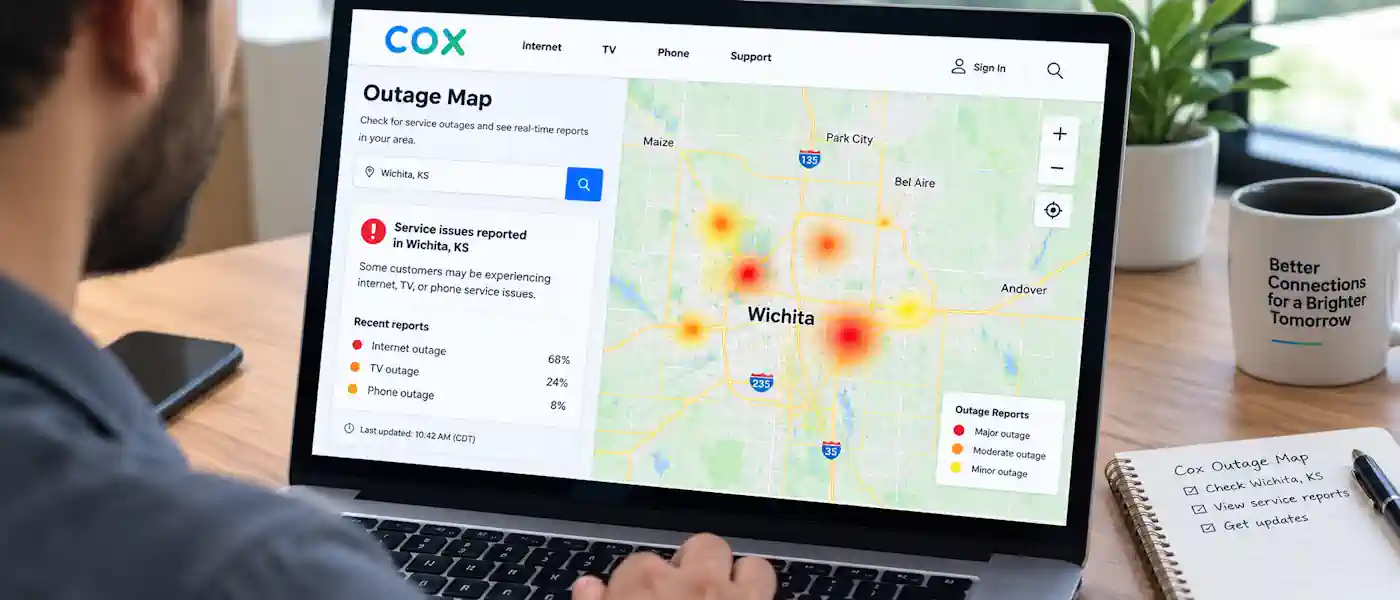
Cox offers an outage map via its website and app that indicates where service issues have been reported by region. If Wichita is showing an active outage in your zip code, then that confirms your problem is not with your equipment, but with Cox.
Third-Party Outage Trackers
Downdetector and similar sites monitor user reports of outages in real time and can reflect an uptick in reports from the Wichita area before Cox even admits to a problem. These aren’t official Cox numbers, but they are frequently the quickest indication that others in your area may be experiencing the same issue.
Cox’s Social Media and Support Channels
Cox’s customer support Twitter account usually provides updates during major outages, including estimated restoration windows. It’s usually quicker to check there than to listen on hold, particularly during an event impacting multiple neighborhoods.
Common Causes of Cox Outages in Wichita
Weather-Related Damage
High winds, ice storms, and severe weather can damage above-ground cable lines or cause power outages to network equipment, which is a common source of outages in the Wichita, Kansas area during storm season.
Fiber or Line Cuts
Underground or aerial fiber and coax lines may be cut during construction, utility work, or auto accidents. But when that occurs, it typically impacts a portion of a city or service area, not the entire municipality.
Equipment or Network Issues on Cox’s End
Occasionally the issue originates somewhere higher in the network, whether it be a local node, a regional hub, or Cox’s infrastructure at large. These blackouts typically cover larger regions and knock out multiple services (internet, phone, and TV) simultaneously.
Step-by-Step Troubleshooting Before You Call
- Power cycle your modem and router, waiting a full 30 seconds between unplugging and plugging back in.
- Check the physical connections, making sure coaxial and Ethernet cables are fully seated and undamaged.
- Confirm it’s not just one device, by testing a phone or laptop directly, since a single device issue points to Wi-Fi settings rather than an outage.
- Check the outage map and Downdetector, to see if it’s isolated to your home or affecting the wider Wichita area.
- Call or message Cox support only after ruling out the steps above, since it saves time on both ends if you already know whether it’s a local outage.
Has Wichita Seen Major Cox Outages Before?
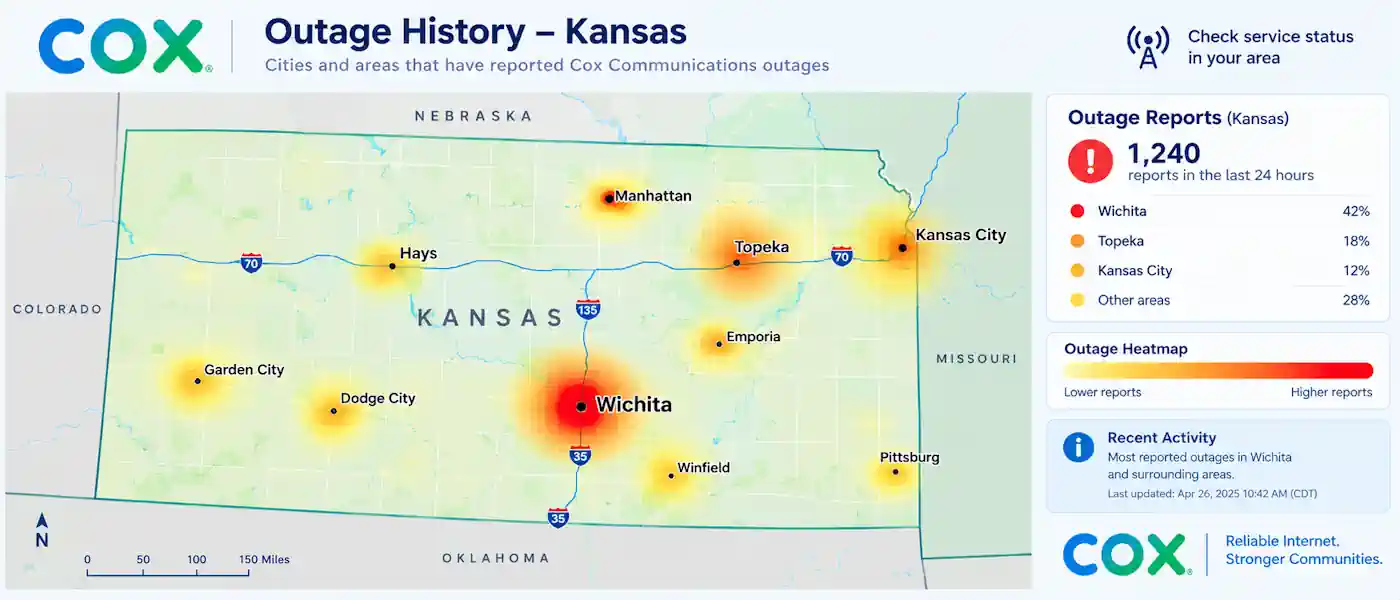
Wichita has dealt with regional Cox outages previously, which impacted other Kansas cities such as Hutchinson, Winfield and Arkansas City as well as Topeka to the north. At least once, tens of thousands of customers in the area experienced phone, internet and TV outages simultaneously, with Cox giving customers a rough window for restoration that same day.
These broader outages are more likely to be the result of something impacting network infrastructure, and not a single neighborhood line, which can mean they take longer to resolve than your local cable cut.
Can You Get a Credit for an Outage?
In previous incidents Cox has provided service credits to impacted customers following prolonged outages, but the details (how long an outage has to last, and how the credit is calculated) can vary and should be confirmed with Cox support for your account.
What to Do If Outages Keep Happening
And if your Wichita address experiences constant Cox outages instead of a one-time blast, track the dates and times of each outage before you reach out to support. With details in hand (when it started, when it ended, whether the outage map indicated it), a technician can more easily identify a pattern associated with a particular line or piece of equipment in your neighborhood, rather than considering each call an isolated incident.
Frequently Asked Questions
How do I know if Cox is down in Wichita right now? Check Cox’s outage map or a third-party monitoring site like Downdetector for your zip code. If several people close to you are reporting the same problem, then you know it’s a wider service outage and not just your equipment.
Why does my Cox internet keep cutting out for a few minutes at a time? Brief, recurring interruptions usually point to a faulty or loose cable, an older modem, or interference with the Wi-Fi—not a complete service outage. If they keep happening at the same time each day, consider asking a technician to inspect the connection.
Should I restart my modem or router first? Yes. The whole power cycle unplugging both devices for 30 seconds fixes a good amount of connection problems, and before you start worrying about a large-scale outage, that’s usually the first step.
How long do Cox outages in Wichita usually last? It depends on the reason. A local line problem could be resolved in hours, but a more widespread infrastructure issue, affecting multiple cities, would take longer. Checking Cox’s outage map or support channels for an estimate of restoration is more dependable than guessing.
Does bad weather affect Cox service in Wichita? Indeed, storms and high winds frequently lead to outages in the region, especially when they bring down above-ground lines or disrupt power to network devices.
Getting Back Online
For Cox outages in Wichita, it is rarely something you can fix from your end once it is confirmed to be a wider issue, but ruling out your own equipment first always saves time. You can check the outage map, do a simple reset, and if it is Cox’s network that is down, the quickest way to get back online is often to follow their restoration progress rather than repeatedly calling in. In the event that service keeps going down at your address, our guide to fixing a slow or unreliable home network goes into more detail on the equipment side of things.