Remove the plastic film from a new iPhone box and there’s a slight, satisfying moment of “yep, this is really mine.” That thin layer of shrinkwrap has become an understated sign of authenticity for millions of consumers. But if you’ve purchased an iPhone lately and thought to yourself that there’s no plastic involved now, you’re not crazy, and you’re definitely not the only one wondering about that.
So here’s the whole story: What the wrap actually does, which iPhones still come wrapped in it, why Apple has been removing it, and how to make sure your box is real—even if it doesn’t come wrapped in it.
Why the Plastic Wrap Exists in the First Place
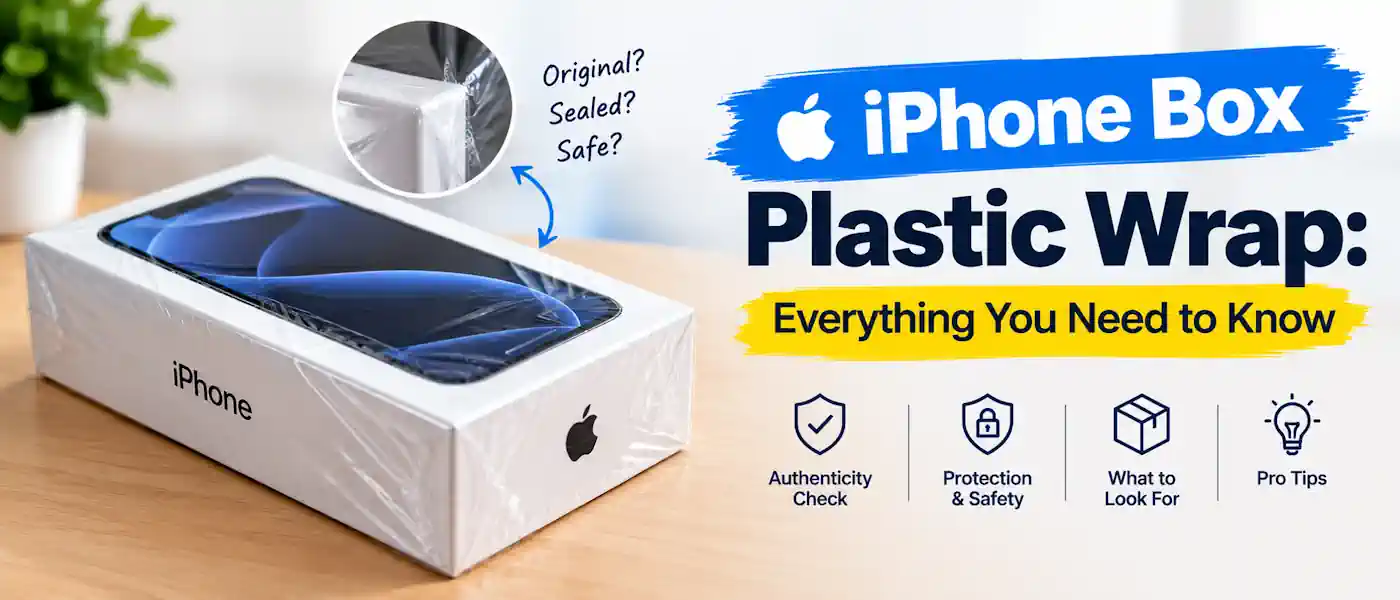
The iPhone box shrink wrap is not just for making it look neat and tidy. It fulfills a few practical functions:
- Keeps the box sealed so nobody can quietly open it, swap contents, or reseal it without leaving obvious marks.
- Protects against dust, moisture, and handling damage while the box sits in a warehouse, on a delivery truck, or on a store shelf.
- Signals “unopened” to the buyer before they’ve even touched the device inside.
That last one is really what fires most of the curiosity. Consumers believe that a product which is sealed in one way or another has not been previously opened and is therefore fresher and more reliable, even more so when purchasing used or from a third party seller.
Do New iPhones Still Come With Plastic Wrap?
That depends on the model and a little on the country of manufacture and sale. Apple has been gradually phasing out plastic from its product packaging in recent years as part of a wider environmental push, and the shrink-wrapped box is among the victims of that move.
Instead of plastic wrapping, present-day iPhones are packaged in a box secured with a paper tab similar to a pull-strip. You pull the tab, the seal snaps cleanly, and the box is flayed. No plastic anywhere on the outer wrapping.
So, if your brand spanking new iPhone came with a paper strip and not shrink wrap, that’s normal and not a red flag.
iPhone Models That Shipped With Plastic Wrap
Previous generations were usually sealed in a full layer of plastic:
- iPhone X
- iPhone XS and XS Max
- iPhone XR
- iPhone 11, 11 Pro, and 11 Pro Max
- iPhone 12, 12 Mini, 12 Pro, and 12 Pro Max
Some early production runs of the iPhone 13 series also had plastic wrap, but this was dependent on the region and the manufacturing batch.
iPhone Models That Switched to Paper Seals
Beginning with later versions, Apple switched to paper-based sealing:
- iPhone 14 series
- iPhone 15 series
- iPhone 16 series and newer
Plastic wrap is no longer used in the packaging of any of these products if you’ve bought them directly from Apple or an authorized retailer.
Why Apple Dropped the Plastic Wrap
It wasn’t some random update to the packaging. Packaging DesignApple has publicly pledged to remove all plastic from its packaging in the entire product line, and the iPhone box is one of the more visible example under that initiative.The overarching changes include:
- Replacing plastic film with fiber-based, recyclable materials
- Shrinking box sizes to fit more units per shipment (which also cuts shipping emissions)
- Increasing the percentage of recycled content in the paper and cardboard used
- Reducing single-use plastic across accessories and inner packaging, not just the outer wrap
All of this does not impact the strength or protection of the case. It’s the same solid packaging, just fastened in a different manner.
How to Tell if Your iPhone Box Is Genuinely Sealed (With or Without Plastic)
Because plastic wrap by itself never provided a foolproof test of authenticity, it is useful to know what other things to look for.
1. Look Closely at the Seal Itself
For paper tab or plastic film, check for:
- Uneven edges, tears, or fraying
- Signs the seal was cut and reapplied
- A seal that looks slightly off-center or loose
The factory seal is clean and tight. Anything that looks like it’s been patched together is worth being suspicious of.
2. Examine the Box Quality
Apple’s packaging is produced with tight quality control, so small flaws are worth noticing:
- Blurry, faded, or misaligned printing
- Corners that are dented, soft, or not perfectly square
- Labels with incorrect model numbers, colors, or storage sizes
3. Match the Serial Numbers
When the phone has booted up, head to Settings > General > About. There is a serial number on the device itself. Compare it to the serial number on the outside of the box. If they don’t correspond, that’s a big red flag.
4. Buy From a Source You Trust
The single biggest risk reducer is where you buy from. Buying directly from Apple or a listed authorized reseller eliminates most of the guesswork, as these channels deal with unopened, factory-sealed stock.
Plastic Wrap and Buyer Confidence
Plastic wrap was never a guarantee of authenticity on its own (it’s not hard for anyone to reseal plastic if they’re hellbent on faking it), but it does have a psychological impact. An item that has been tightly shrink-wrapped feels final, unopened, legitimate. This is part of the reason the story keeps coming up, even though fewer new iPhones are shipped this way.
This is particularly true for people buying secondhand or through resale marketplaces, so it’s something to consider if you’re selling.
Common Myths About iPhone Box Plastic Wrap
Myth: Every new iPhone comes wrapped in plastic. Not anymore. Most current-generation models use a paper pull-tab seal instead.
Myth: Plastic wrap is the only reliable proof of an unopened box. Not true. Plastic can be reapplied. Serial number matching and seller reputation matter more.
Myth: A paper seal instead of plastic means the phone was used. No. Paper pull-tabs are now the standard sealing method straight from Apple’s factories.
Myth: Apple cut plastic wrap to save money on packaging. Misleading. The packaging quality hasn’t dropped; the material and sealing method changed for sustainability reasons, not cost-cutting.
The Bottom Line
Plastic wrap used to be how Apple sealed an iPhone box, and for older models, it still is. For newer iPhones, however, you’ll find paper seals instead, which is part of Apple’s efforts to reduce plastic packaging. It’s a permanent change, not just a one-time thing.
If your iPhone arrives without plastic, don’t panic. Ensure the seal is high quality, the serial numbers match, and you’re purchasing from a reputable source, and you’ll know your device is legitimate no matter what is used to close the box.